Customize display
You can choose which columns display in patient lists. The Scheduled list can show up to nine columns. The Waitlist and Cancelled lists can each show up to eight columns.
Click the Customize columns icon on the far right of the page.
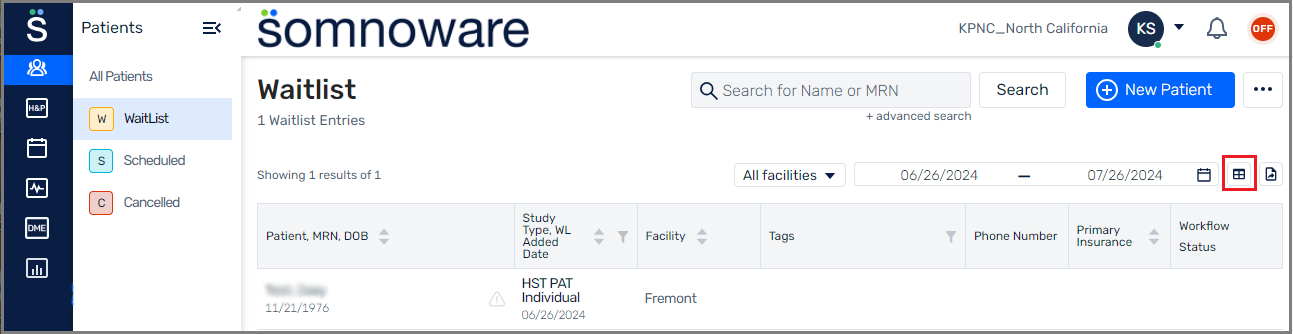
Select the check box next to a column to display it.
Clear the check box next to a column to hide it.
Click Apply.