Accessibility
Somnoware supports accessibility features across the platform. The features in this section describe the accessibility support available today.
Tables include features to help make them easier to read and use.
The Actions column remains in a fixed position so you can get to tasks easily.
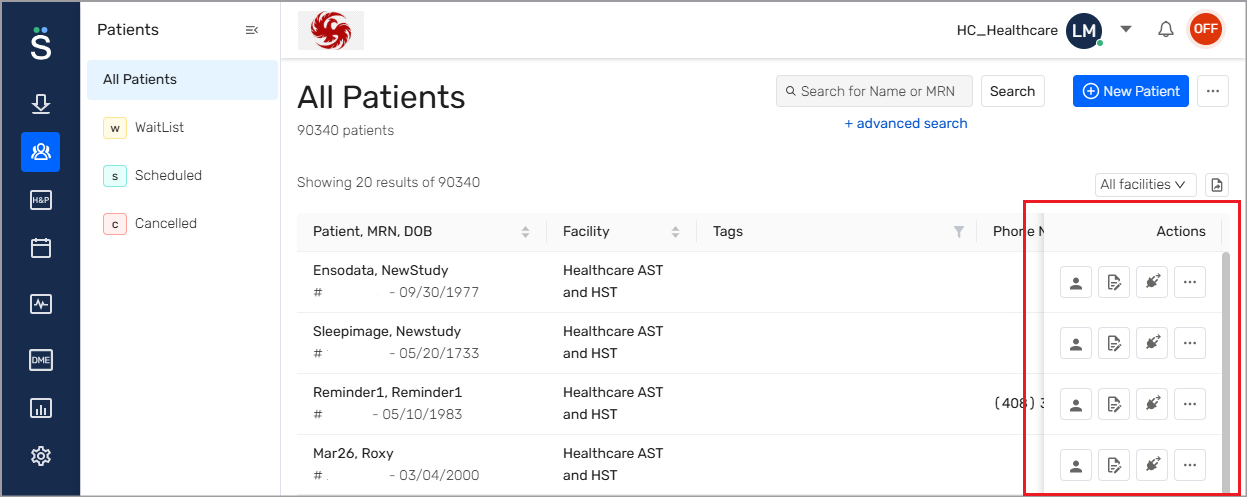
Customize the display to choose which two columns remain fixed.
Columns are wide enough to read content and can be resized.
Tooltips give guidance and sorting options when you hover over table headings.
Table headers stay visible while you scroll so you can view the column labels.
Some tabs use expandable lists to help you browse folders and items. These tabs include the Study Reports, Documents and Questionnaires.
The expandable list layout uses a simple style without decorative gradients.
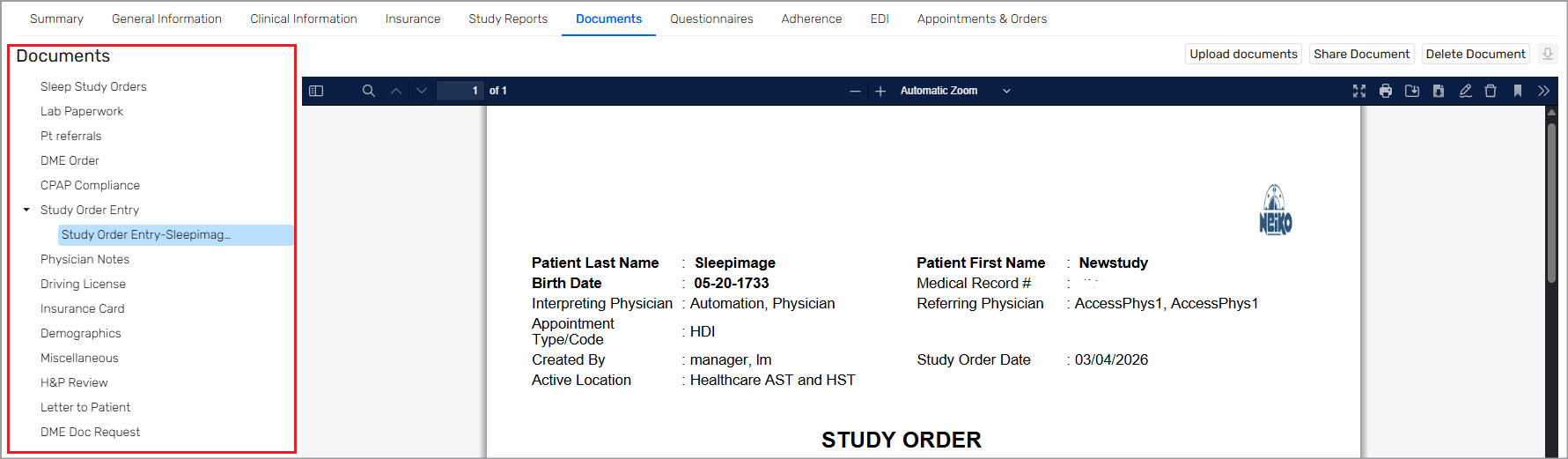
Folders and items use a consistent layout across tabs.
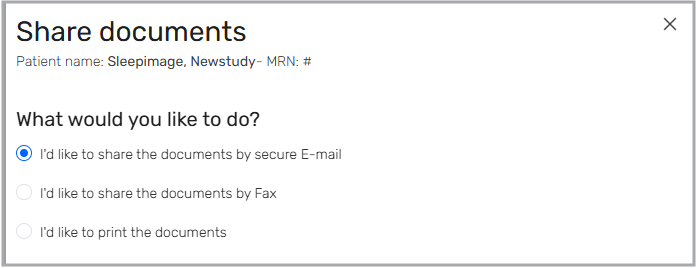
Radio options and check boxes use a standard style that supports accessibility needs.
These controls do not use decorative gradients.