Create shipping labels
Go to the CRM (
 ) module > Shipments.
In the navigation bar submenu, click Shipments > Checked out.
From the Outbound tracking or Return tracking column, click + Label.
From the Patient Address section, click Edit to add the shipment address.
From the Shipping information section, set the shipping information.
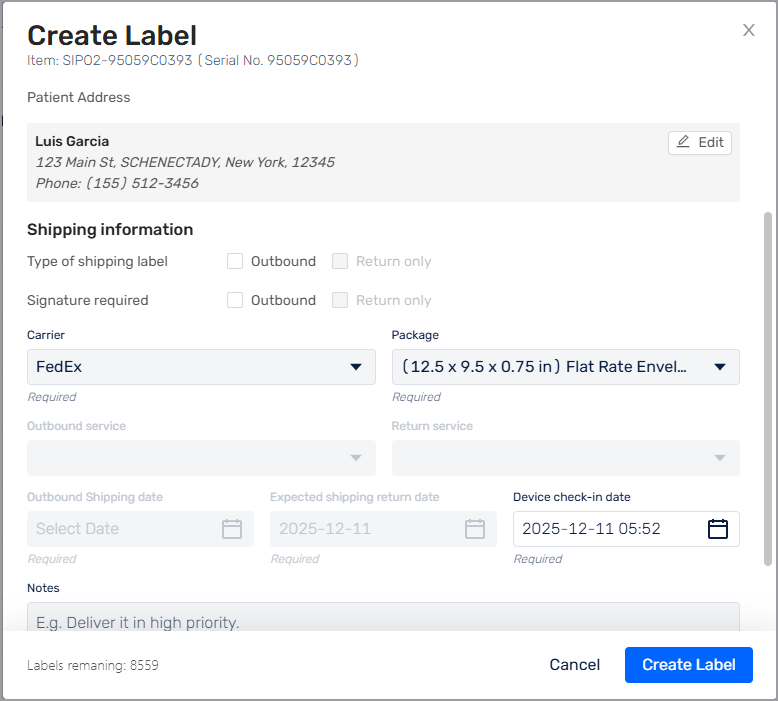
Click Create Label.