Reset user password
Send the user an email with password reset instructions when they can’t sign in or need a new password.
Go to Configuration (
 ) > Users.
From the Actions column, click the More icon (
 ).
).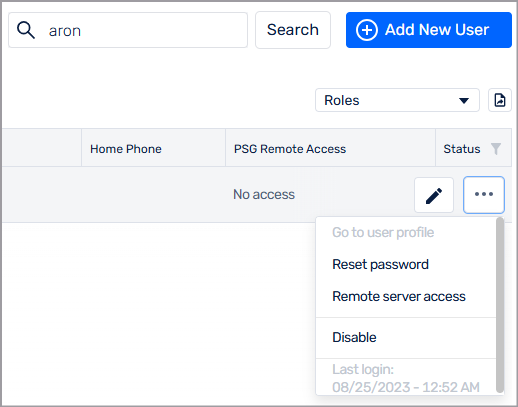
Select Reset password.
Somnoware sends an email to the user with password reset instructions.