Search for users
Filter by role or search by name to find users.
Go to Configuration (
 ) > Users.
(Optional) From the Roles list, select a role to filter the list.
In the Search Names field, enter the user's first or last name.
Click Search.
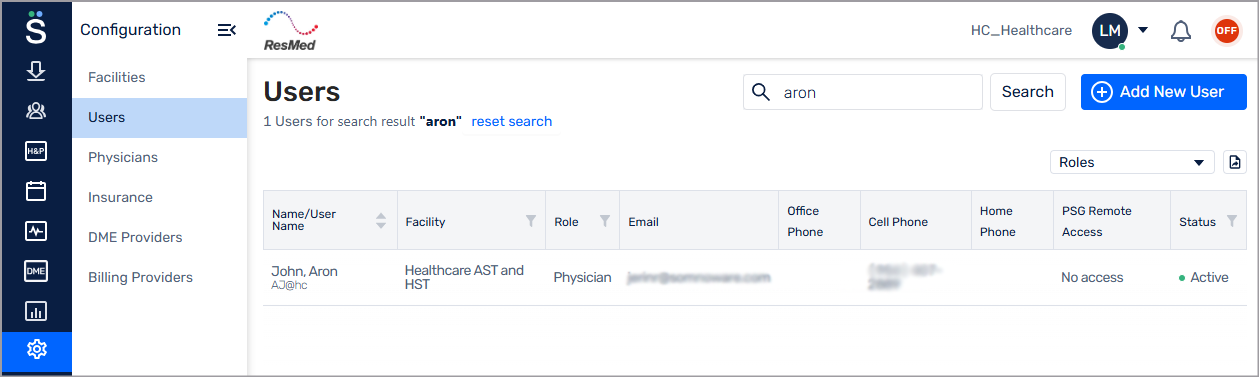
To clear the results, click reset search.