Configure pediatric impressions
In the Configuration module (
 ), click Physicians.
From the Actions column next to the physician whose impressions you want to configure, click the Preferences icon (
 ).
).From the list, select the template you want to set impressions for.

From the Report Builder tab, in the Report sections, click Impressions.
For each pediatric parameter, in the Not Significant field and Diagnosed field, enter the impression statement.
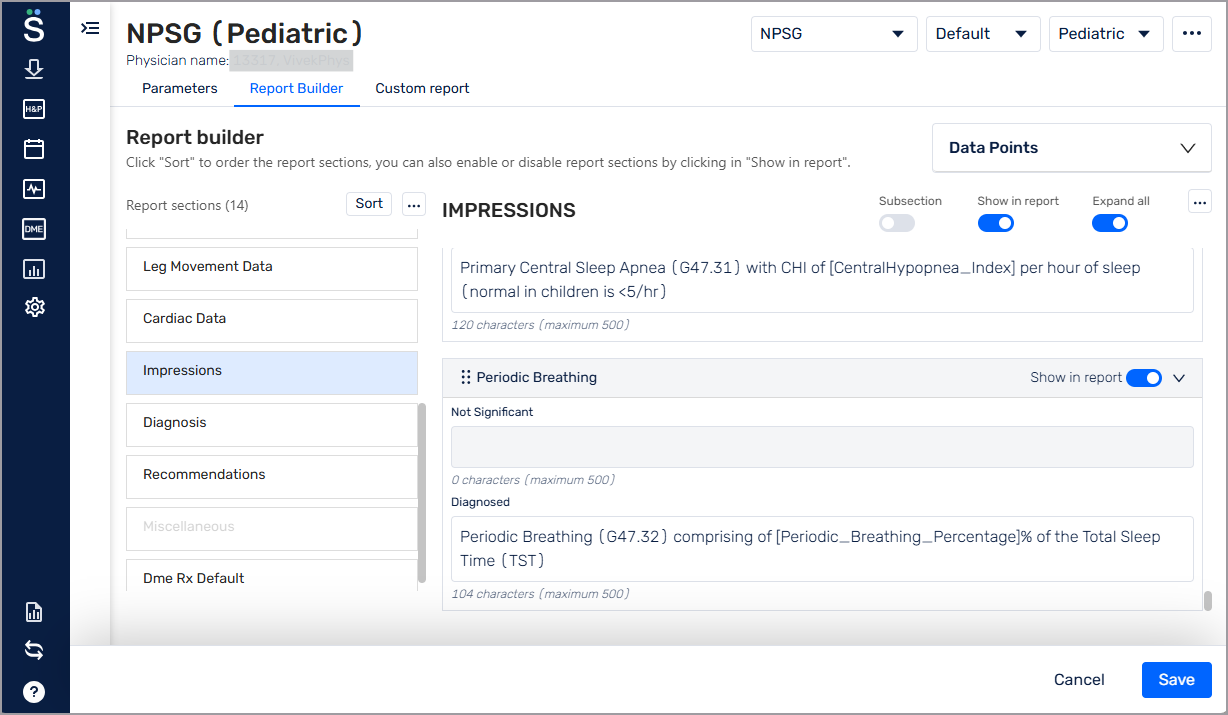
Ensure the Show in report toggle is on for each pediatric parameter you want to display.
Click Save.