Disable user
Deactivate a user who no longer requires access to Somnoware.
Go to Configuration (
 ) > Users.
From the Actions column, click the More icon (
 ).
).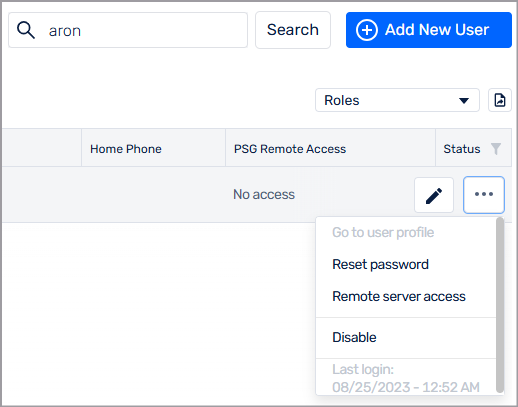
Select Disable.
The user's status updates to Disabled.
Deactivate a user who no longer requires access to Somnoware.
Go to Configuration ( ) > Users.
From the Actions column, click the More icon ( ).
Select Disable.
The user's status updates to Disabled.