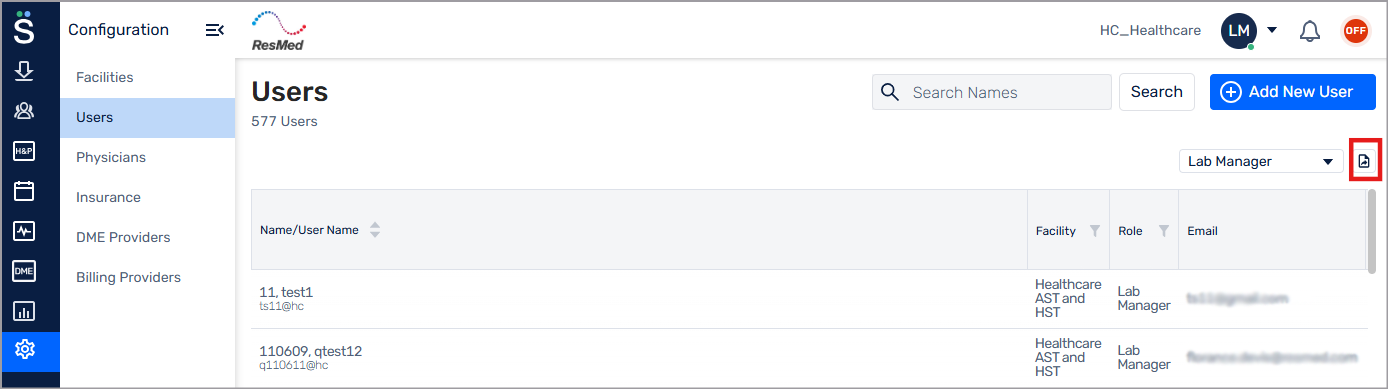
Export user list
Download a copy of the Users list for offline review.
Go to Configuration (
 ) > Users.
(Optional) Filter the list:
From the Roles list, filter the list by user role.
In the Search Names field, type a name or part of a name.
Click Export to download the current list view.