Edit user
Edit a user to update their details, permissions and clinic access in Somnoware.
Go to Configuration (
 ) > Users.
From the Actions column, click the Edit (
 ) icon.
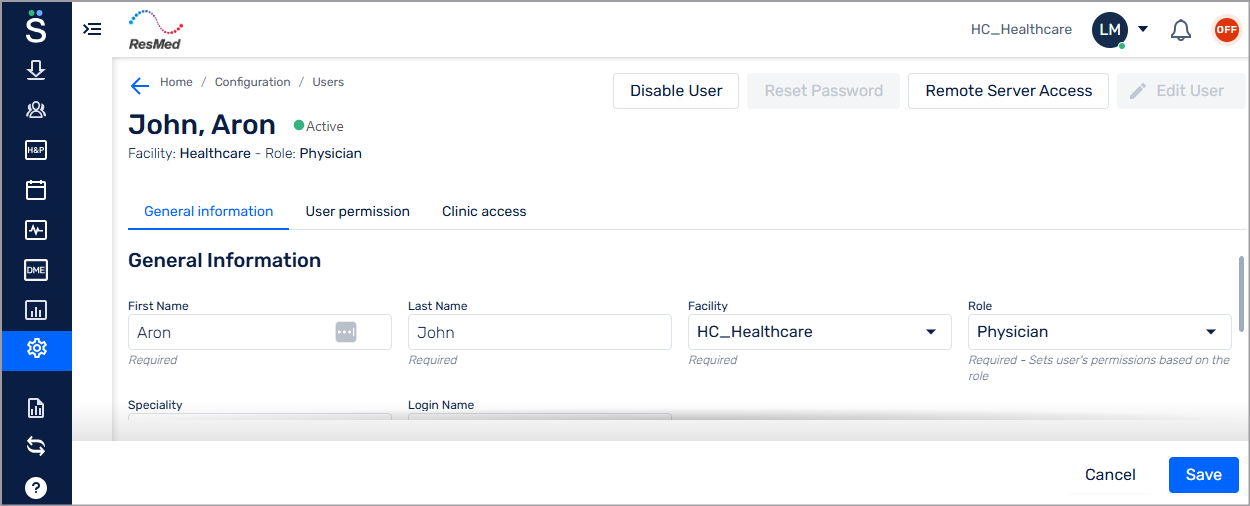
Click Edit User.
From the General information tab, update the user details.
From the User permission tab, change the user permission.
From the Clinic access tab, update the locations and studies the user can access.
Click Save.