Generate reports
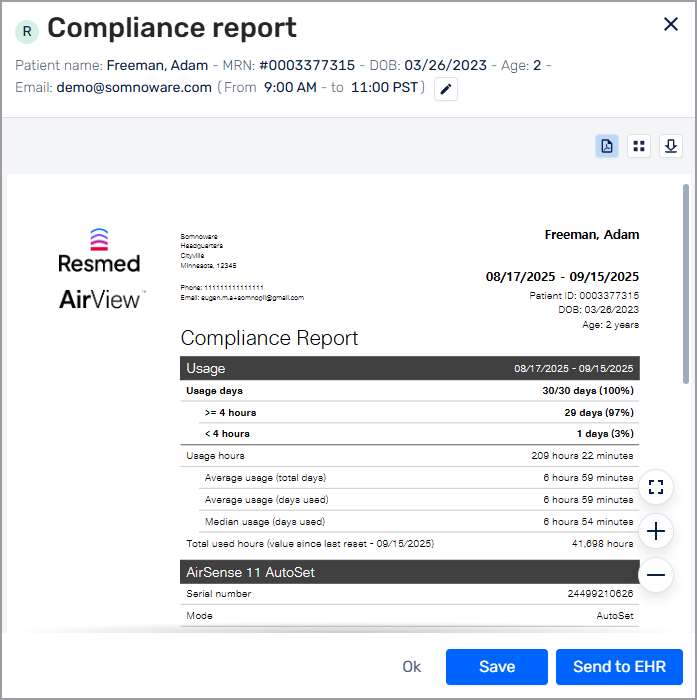
Generate and download the compliance report, the compliance and therapy report or the detailed report.
From the Compliance tab, select the date range that you want to view the report for.
Click the More options icon (
 ) and select one of the following:
Generate compliance report
Generate compliance and therapy report
Generate detailed report
Perform one of the following tasks:
To download a PDF of the report, click the Download icon (
 ).
).If your organization has HL7 enabled, click Send to EHR to send the report to the patient's electronic health record.