Enable Hypoxemia for existing physicians
Use these steps to configure which Hypoxemia information displays in an existing physician's interpretation reports.
In the Configuration module (
 ), click Physicians.
From the Actions column next to the physician whose parameters you want to configure, click the Preferences icon (
 ).
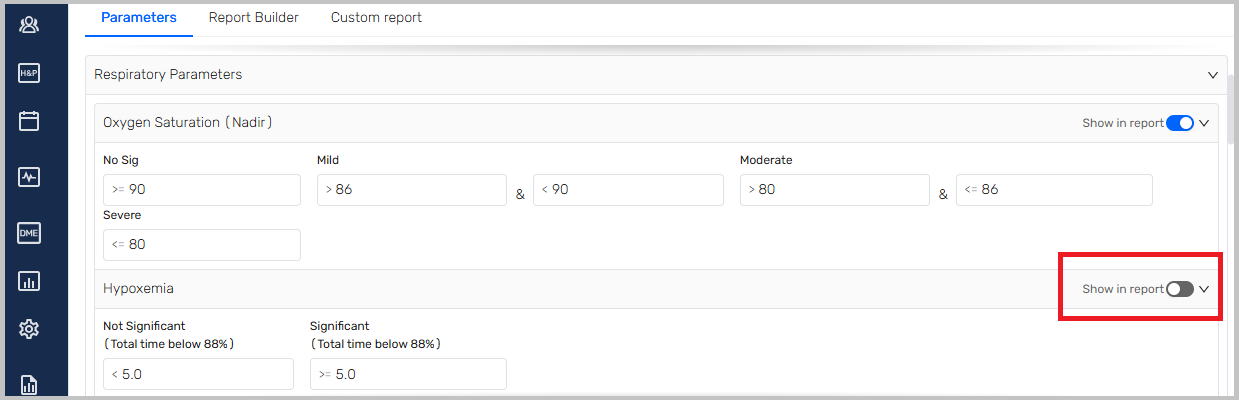
).From the Parameters tab, scroll to the Oxygen Saturation (Nadir) section.
Turn off Show in report.
Scroll to the Hypoxemia section.
Turn on Show in report.
For more information on setting the Hypoxemia criteria, impressions and recommendations, see Set Hypoxemia criteria.